Your notch,
alive.
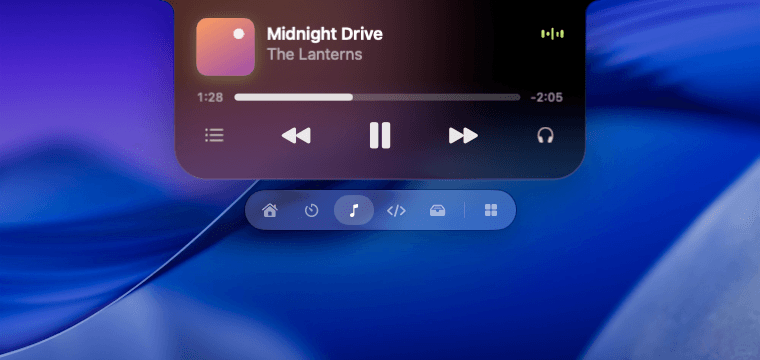
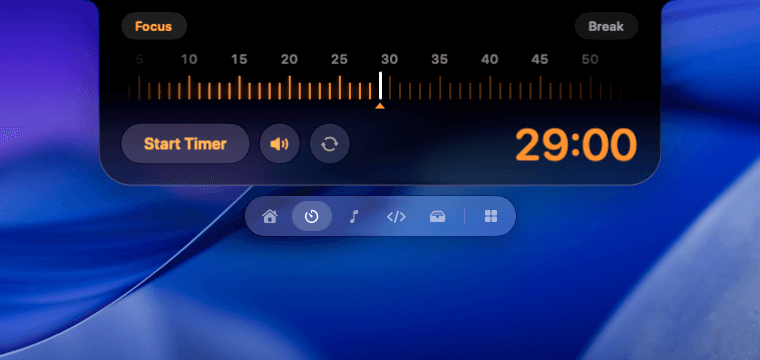
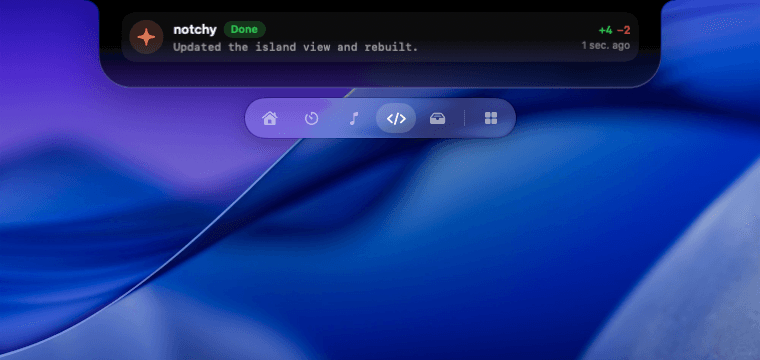
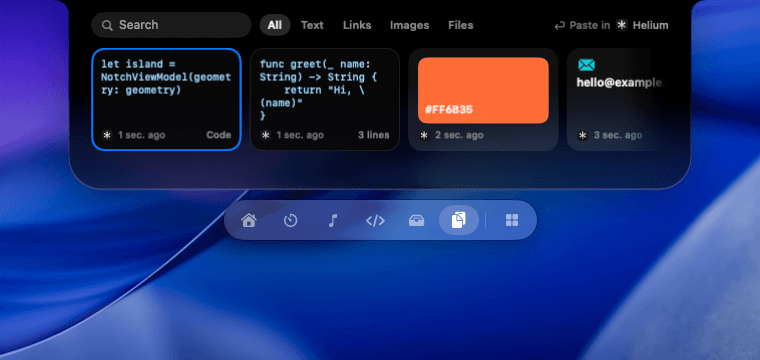
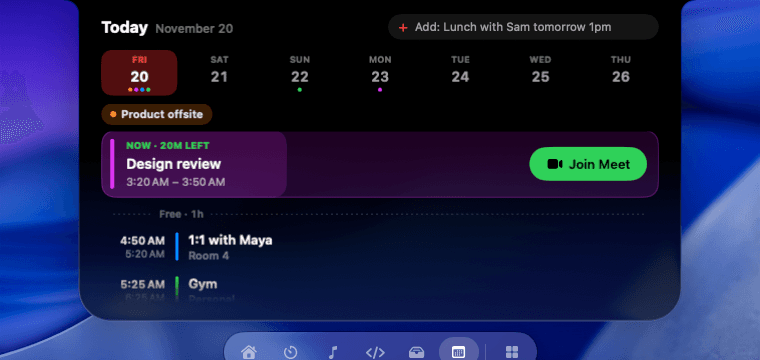
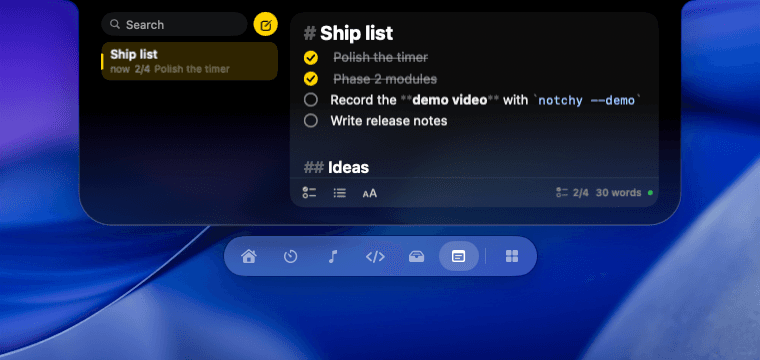
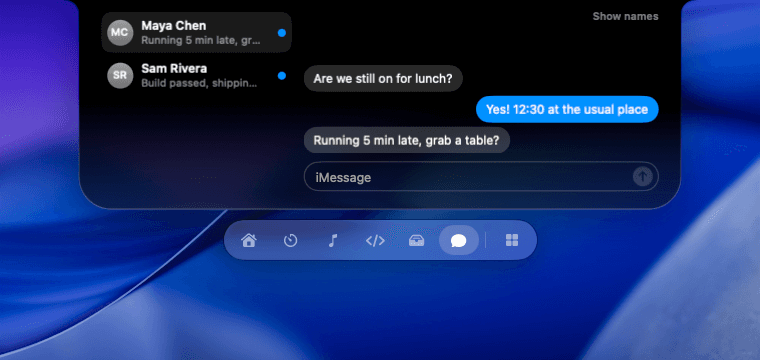
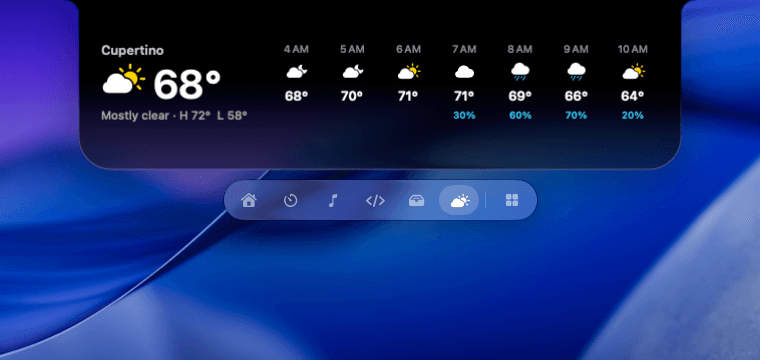
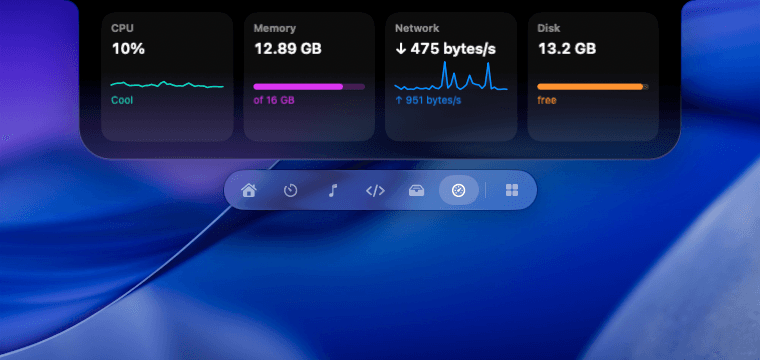
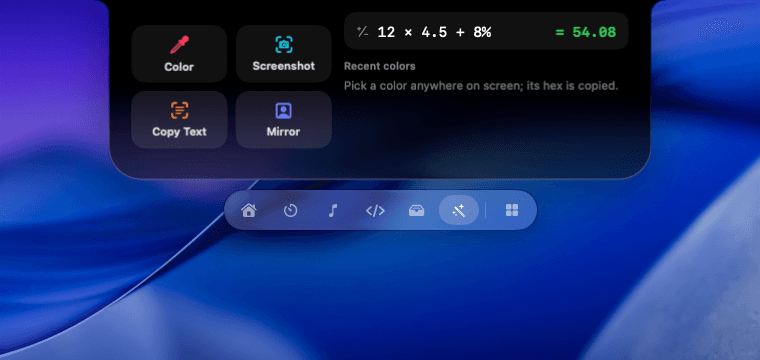
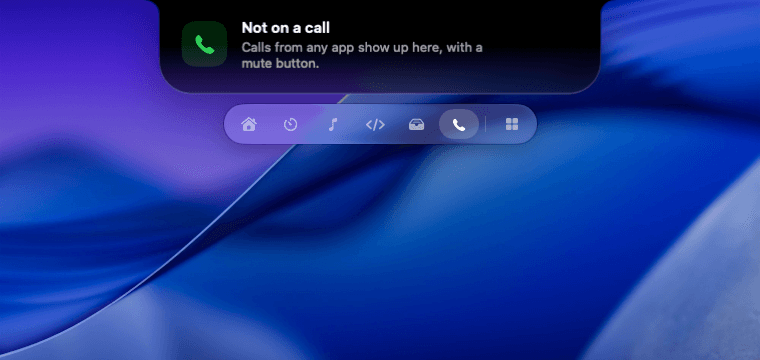
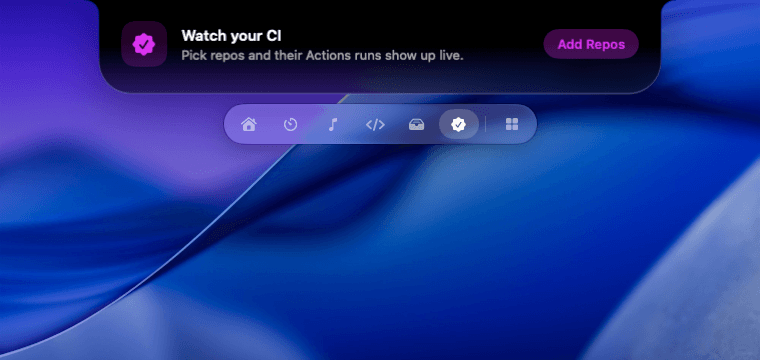
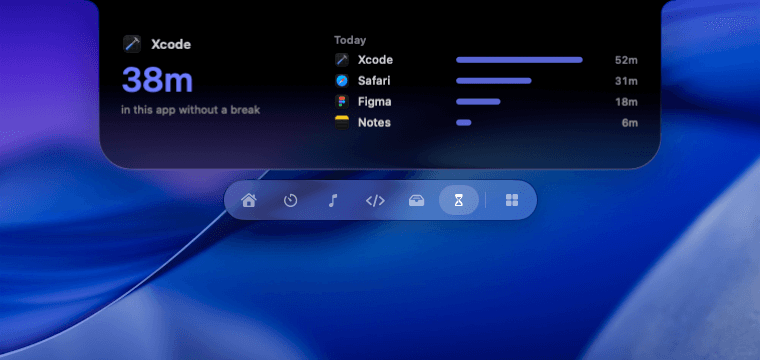
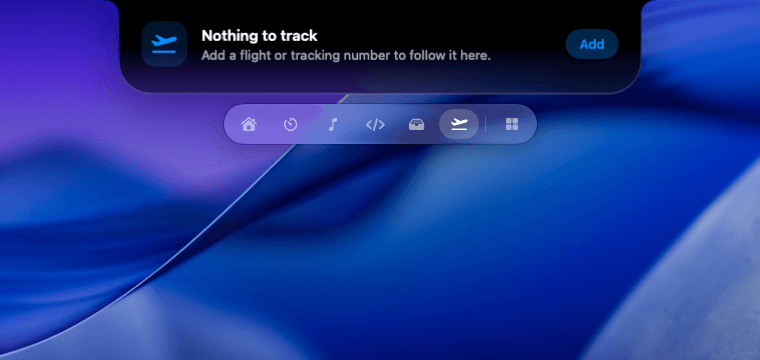
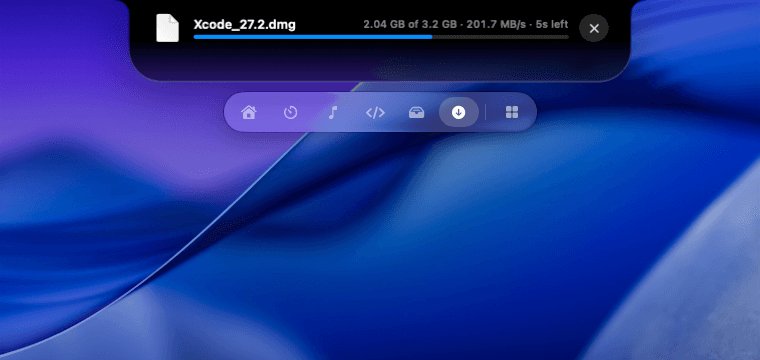
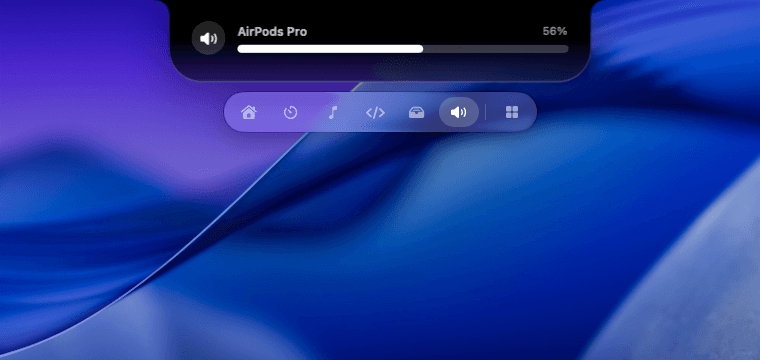
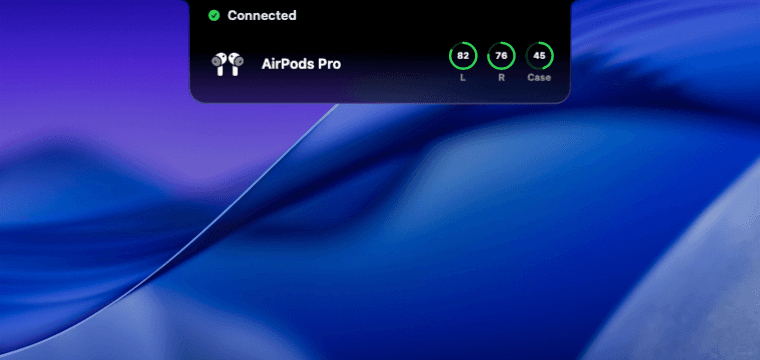
A Dynamic Island for your Mac. Music, timers, files and meetings, one hover away, and it taps you on the shoulder when Claude Code needs you.
for macOS 15 Sequoia and later · notch or no notch
a few things it shows ↓
How it works
From glance to done
in a second.
No hunting for windows. What you need lives right under the camera.
Step 01 · Peek
Peek
Rest the pointer on the notch and it grows a little to show what's going on: the song, the timer, the meeting about to start.
Hover · no click needed
Step 02 · Open
Open
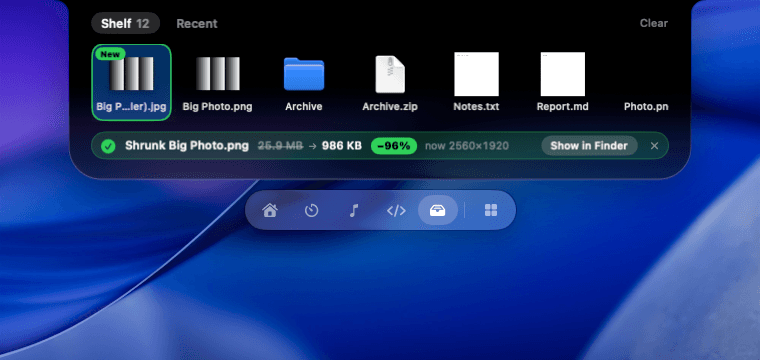
Click it, press ⌥⌘N, or just drag a file to it. The island opens into the module you need, like the shelf that keeps your file handy.
Click, ⌥⌘N or drag · Esc to close
Step 03 · Act
Act
Do the thing and get back to work. Approve a command for Claude Code, join the call, shrink a file, without switching apps.
Every action tells you what happened
The modules
20 modules.
Keep the ones you like.
Install them from the built-in store, switch off the rest, and pin your favorite five to the dock.
Made for the Mac
Feels like it shipped
with macOS.
Native, fast and quiet, on any Mac you own.
With a notch or without.
On a MacBook it grows out of the notch. On an iMac, Mac mini or external display, a virtual island takes its place.
Stays on your Mac.
No account, no analytics, no tracking. Your music, files, notes and messages never leave your Mac.
Keyboard first.
Open the island from anywhere, jump between modules with ⌘1 to ⌘5, and paste from your clipboard history with ⌥1 to ⌥9.
Black, glass, or both.
Pick Black to match the hardware notch, Liquid Glass to let your wallpaper through, or Black Glass, solid at the top and glass at the bottom.
20 modules. Use the ones you want.
Install from the built-in store, switch off what you don't need, and keep your five favorites in the dock under the island.
Pricing
Pay once.
Keep it forever.
Every module included. No subscription, no account.
Lifetime
One-time payment
$19once
- All 20 modules, and every module added later
- Free updates for version 1
- Use it on all your Macs
- Runs on your Mac. No account, no tracking
Requires macOS 15 Sequoia or later
Questions
Good to know.
Does Little Notch work on a Mac without a notch?
Yes. On an iMac, Mac mini, Mac Studio or an external display, Little Notch draws a virtual island at the top of the screen that behaves exactly like the notch.
Which Macs and macOS versions are supported?
Any Mac running macOS 15 Sequoia or later. On macOS 26, the island uses Liquid Glass.
Can I turn modules off?
Every module can be installed, switched off or removed from the built-in Module Store. Pick the five you use most for the dock under the island.
What happens to my data?
Little Notch runs on your Mac. There is no account and no tracking. Weather sends only the city you choose to the forecast service, and GitHub CI uses your existing GitHub CLI login.
Is it a one-time purchase?
Yes, $19 once, with free updates for version 1 and use on all your Macs.
go on, press them
Ready to wake up
your notch?
Lifetime licence for $19, once.