What it does
What File Shelf does
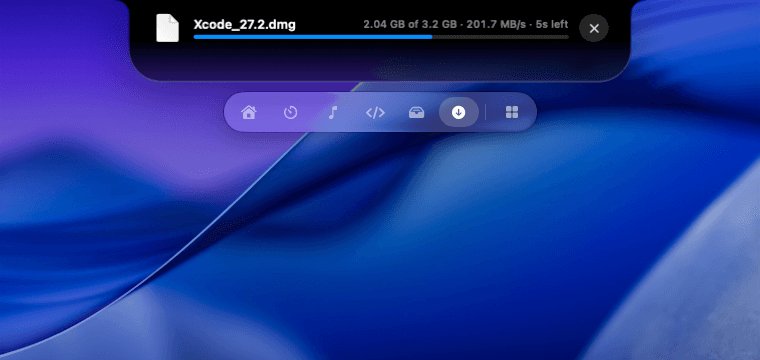
Drop files on the notch. Zip, unzip, compress and AirDrop. Drag anything toward the notch and it opens to catch it. Keep files close while you work, drag them back out wherever you need them, and zip, extract, shrink images, gather into a folder or AirDrop in one click. Pin the folders you use most, and see what just landed in your Downloads and where it came from.
Highlights
The good bits.
- 01Drag files toward the notch to drop them on the shelf
- 02Zip, unzip and shrink images in one click
- 03Gather files into a new folder, or AirDrop them
- 04Pinned folders you can drop onto
- 05See new downloads and the site they came from
Privacy
What it can see.
File Shelf needs no special permissions. It works as soon as you install it and runs entirely on your Mac.
Works well with
Pair it with these.
Modules people keep next to File Shelf.